Knowledge base › Taking payment
Give money back, or cancel an order.
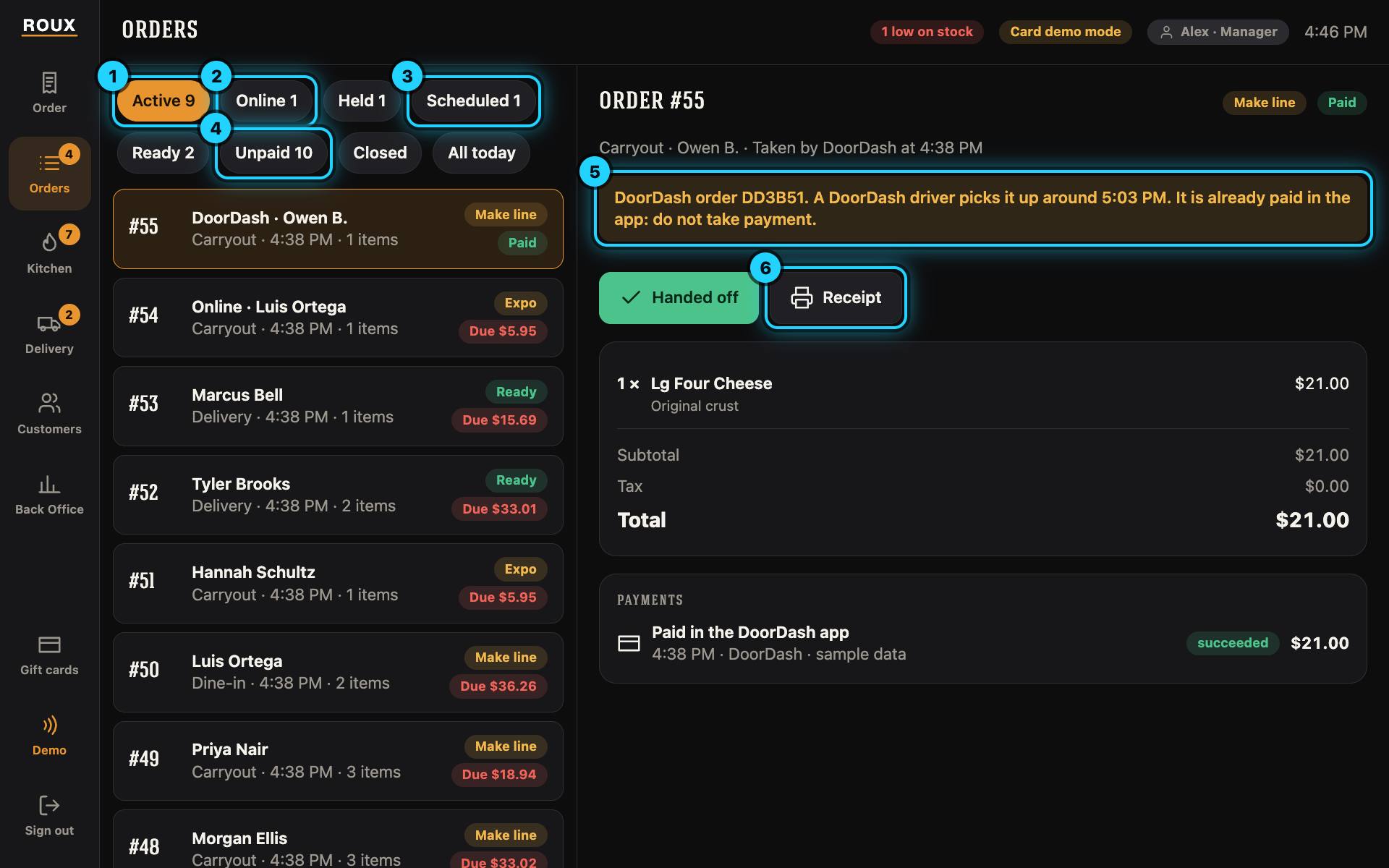
Refund a payment
- Open Orders and pick the order.
- Under Payments, press Refund beside the payment and confirm.
Void an order
- Refund any payments on it first.
- Press Void on the order.
Good to know
- Both are permissions. Without them a manager PIN is asked for, and it is logged.
- A gift card refund goes back onto the card.