Knowledge base › Taking payment
Sell a card, add money to one, and take one as payment.
Sell or reload
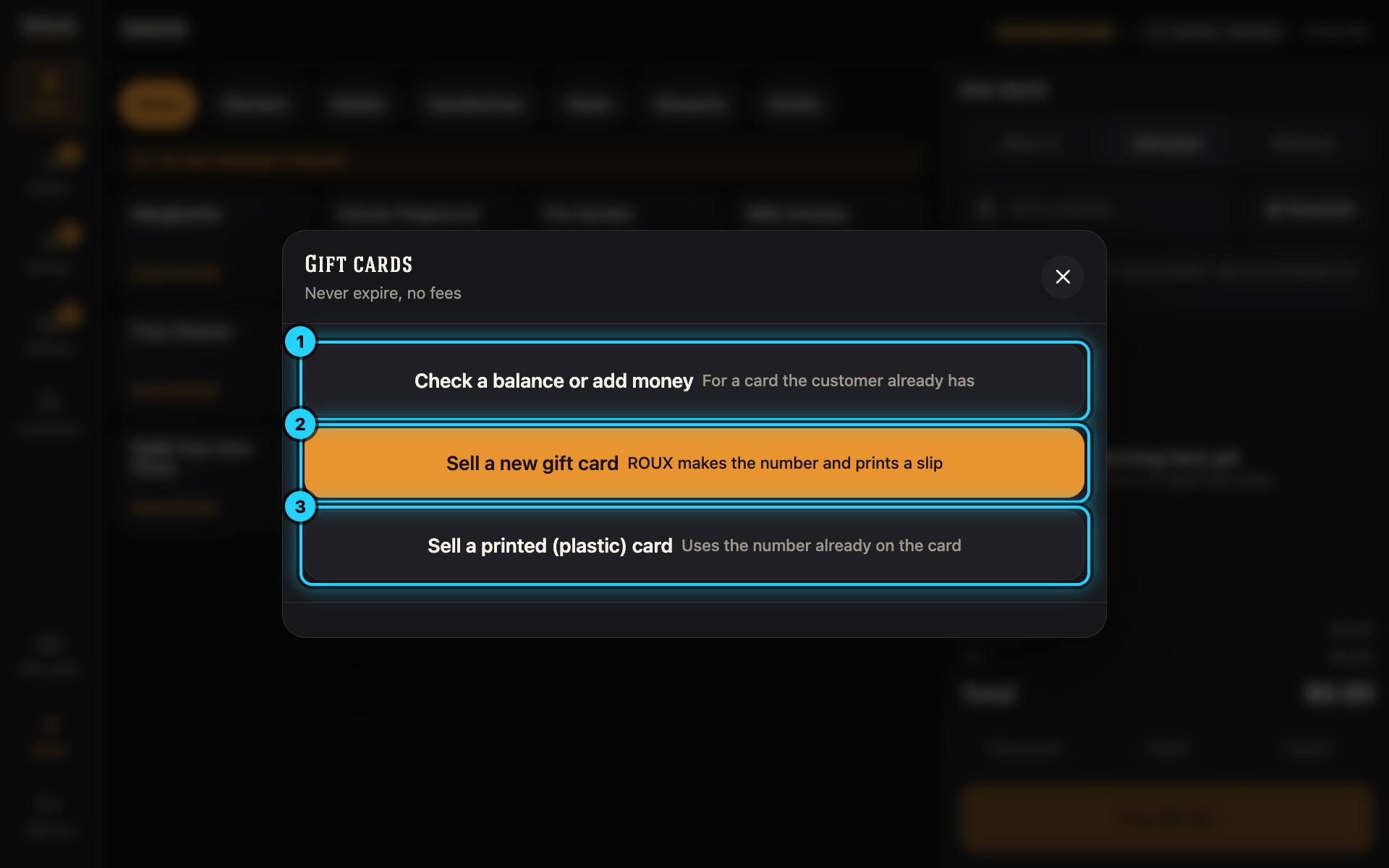
- Press Gift cards on the left rail.
- Choose Sell a new gift card (ROUX makes the number), or Sell a printed (plastic) card and scan or type its number. To reload, choose Check a balance or add money.
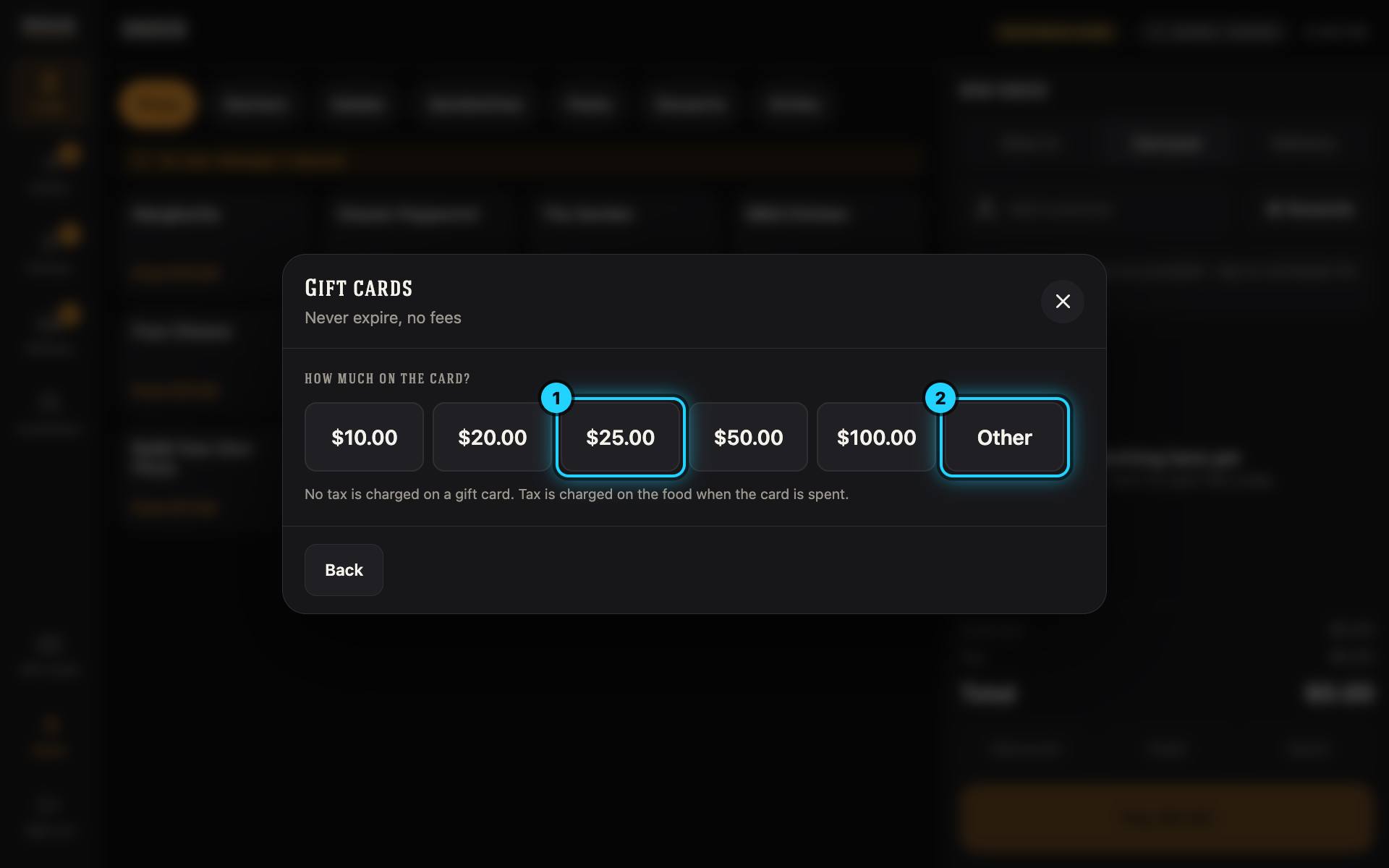
- Pick the amount, from $5 to $500.
- Take the money, then press Cash or Card.
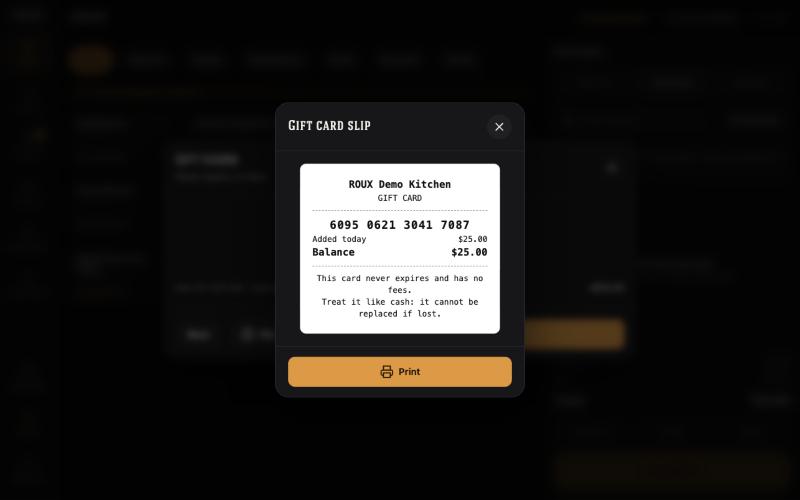
- Print the slip and hand it over.
Take one as payment
- In the payment window press Gift card.
- Scan or type the number.
- The card pays what it can. Any rest stays due, and the screen shows what is left on the card.
Good to know
- Cards never expire and have no fees. No tax is charged when one is sold.
- Selling a card is not counted as sales.
- A card with $2.50 or less left can be cashed out on request: open the card and press Cash out.
- A manager turns off a lost card in Back Office > Gift cards with Change.
- Paid add-on: switch it off on the admin site for a store that has not bought it.