Knowledge base › Taking payment
Let a business or regular charge orders and pay later.
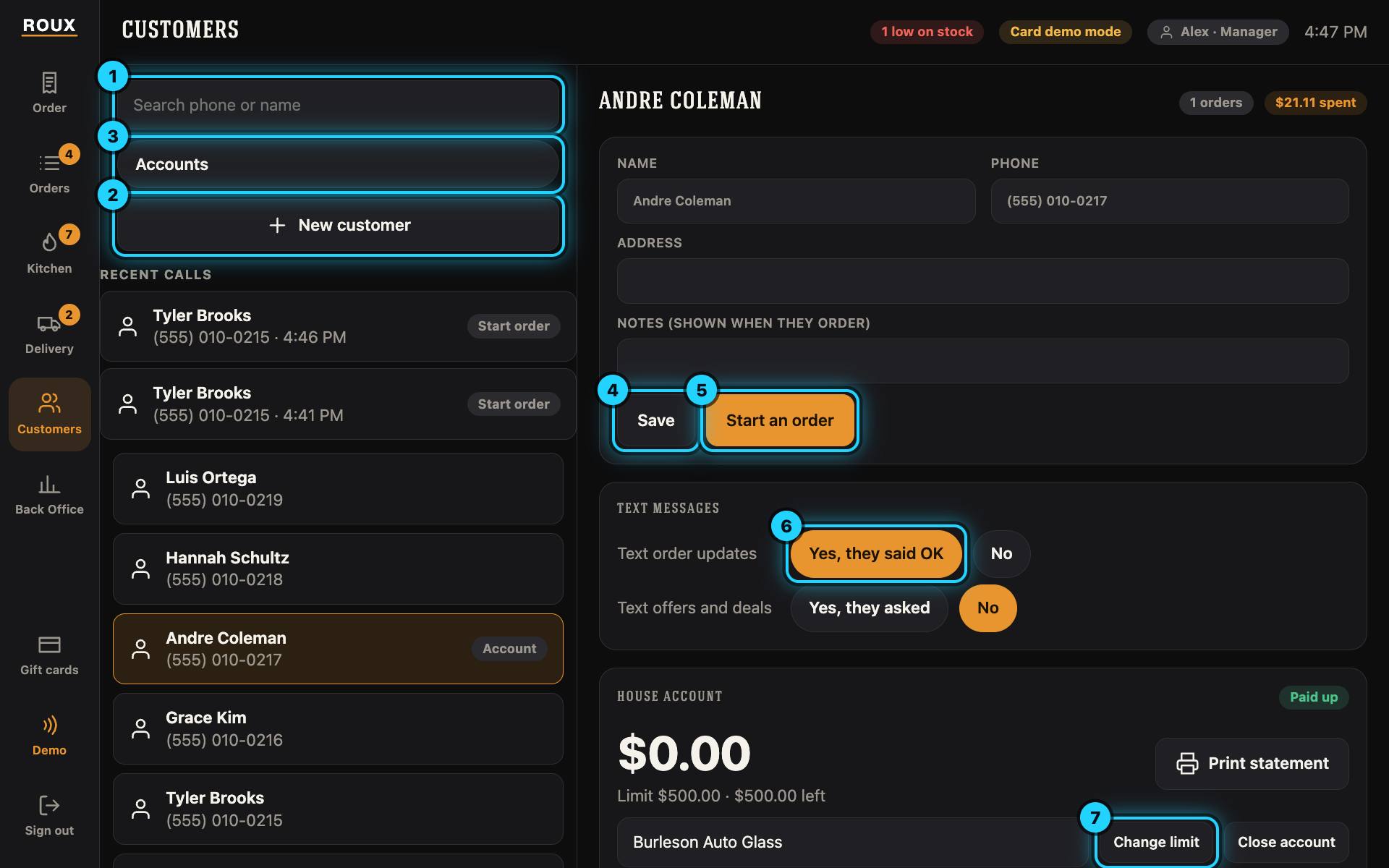
Open an account
- Open Customers, pick the customer, and press Open an account.
- Enter a company name and a limit if you want one.
Charge an order
- Put that customer on the order.
- In the payment window press Charge to account. It shows what they already owe.
Take a payment on the account
- Open the customer and press Take a payment.
- Enter the amount, then choose cash, check, ACH or credit card.
- A card payment runs on the reader. Check and ACH are recorded with a note; ROUX does not move that money.
Good to know
- The sale counts on the day it is charged. Paying the account off later is not a sale, and the report lists it separately.
- Charging to an account starts as a manager permission.
- An account that still has a balance cannot be closed.
- Accounts on the Customers screen lists every account and what each owes.