Knowledge base › Taking payment
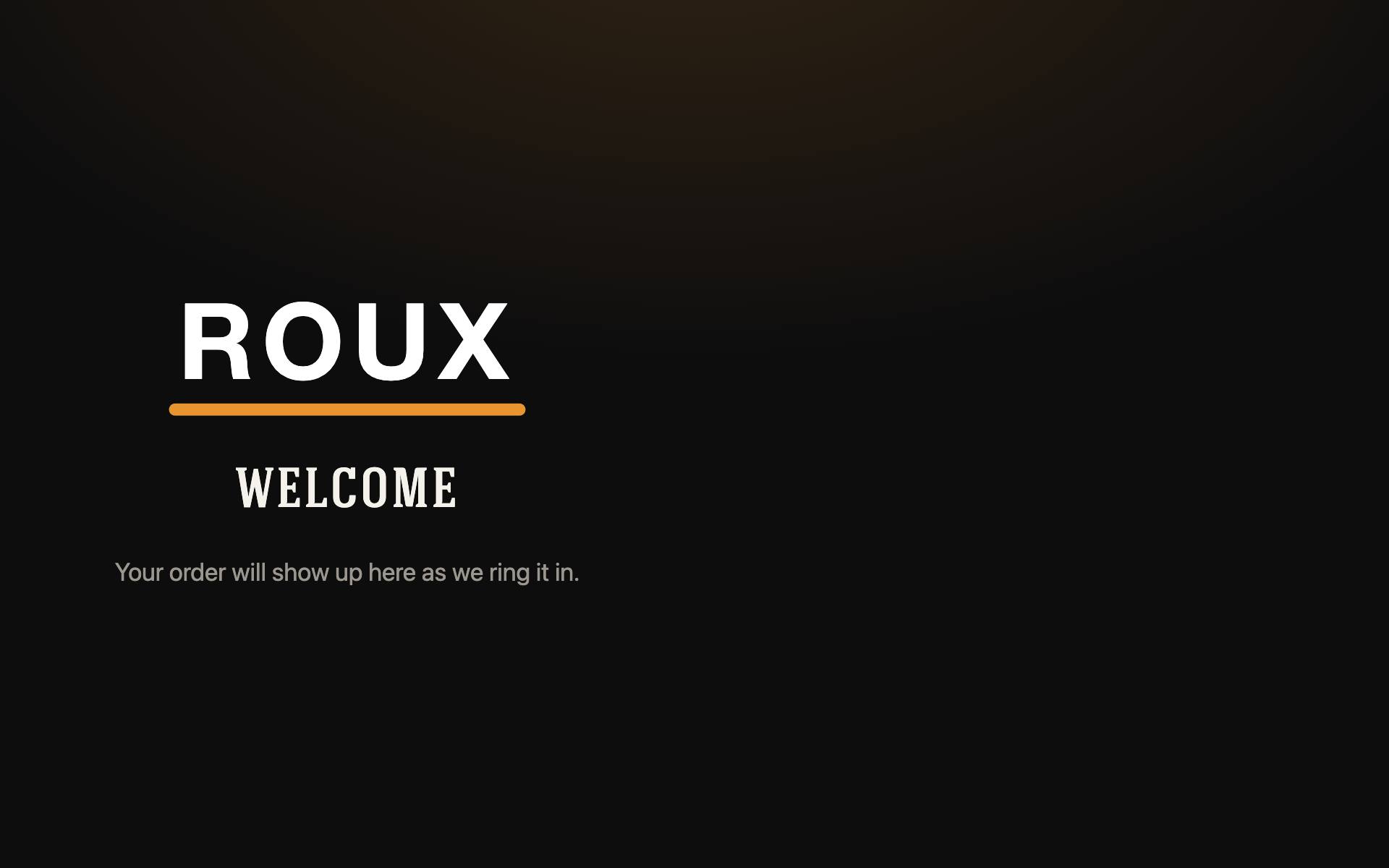
A second screen facing the customer shows the order as it is rung up, and can take the tip and the card.
Steps
- Connect the second screen as a customer display (see Connect a new screen).
- It mirrors the ticket of the register it is linked to.
- In the payment window press Card on customer display.
- The customer picks their own tip on their screen, then presents the card.
- The register shows the result. Press Cancel and take it back to return to the register.
Good to know
- When idle it shows your standby ads, or a welcome screen.