Knowledge base › Kitchen and delivery
Find any order and act on it.
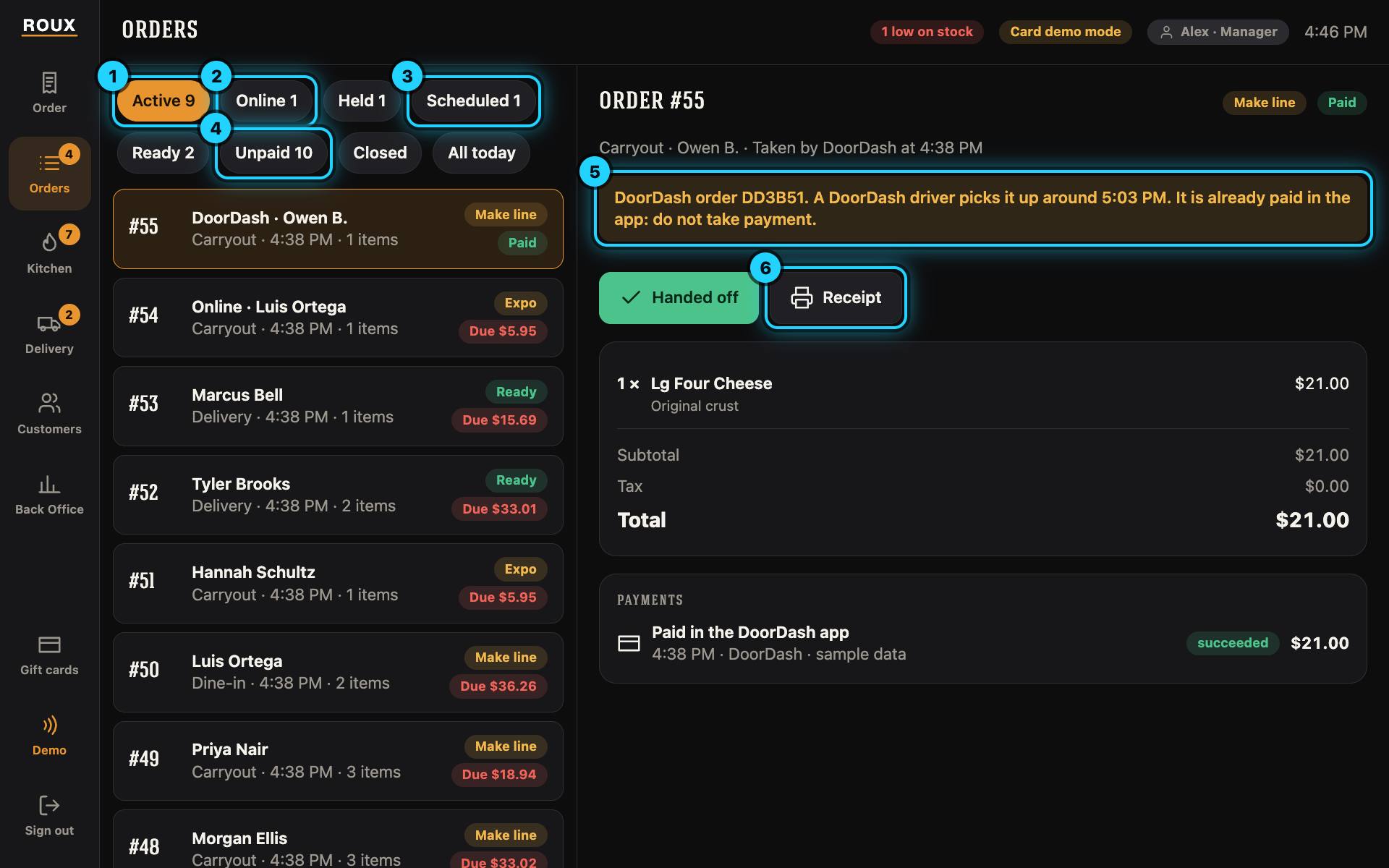
Steps
- Open Orders.
- Use the filters: Active, Online (waiting to be accepted), Held, Scheduled, Ready, Unpaid, Closed, All today.
- Tap an order to see its lines, payments and history.
- From there: Take payment, Edit, Send to kitchen, Receipt, Void, or Repeat.