Knowledge base › Taking orders
Look up a member, give them a reward, and let them earn points.
Steps
- On the ticket press ★ Rewards.
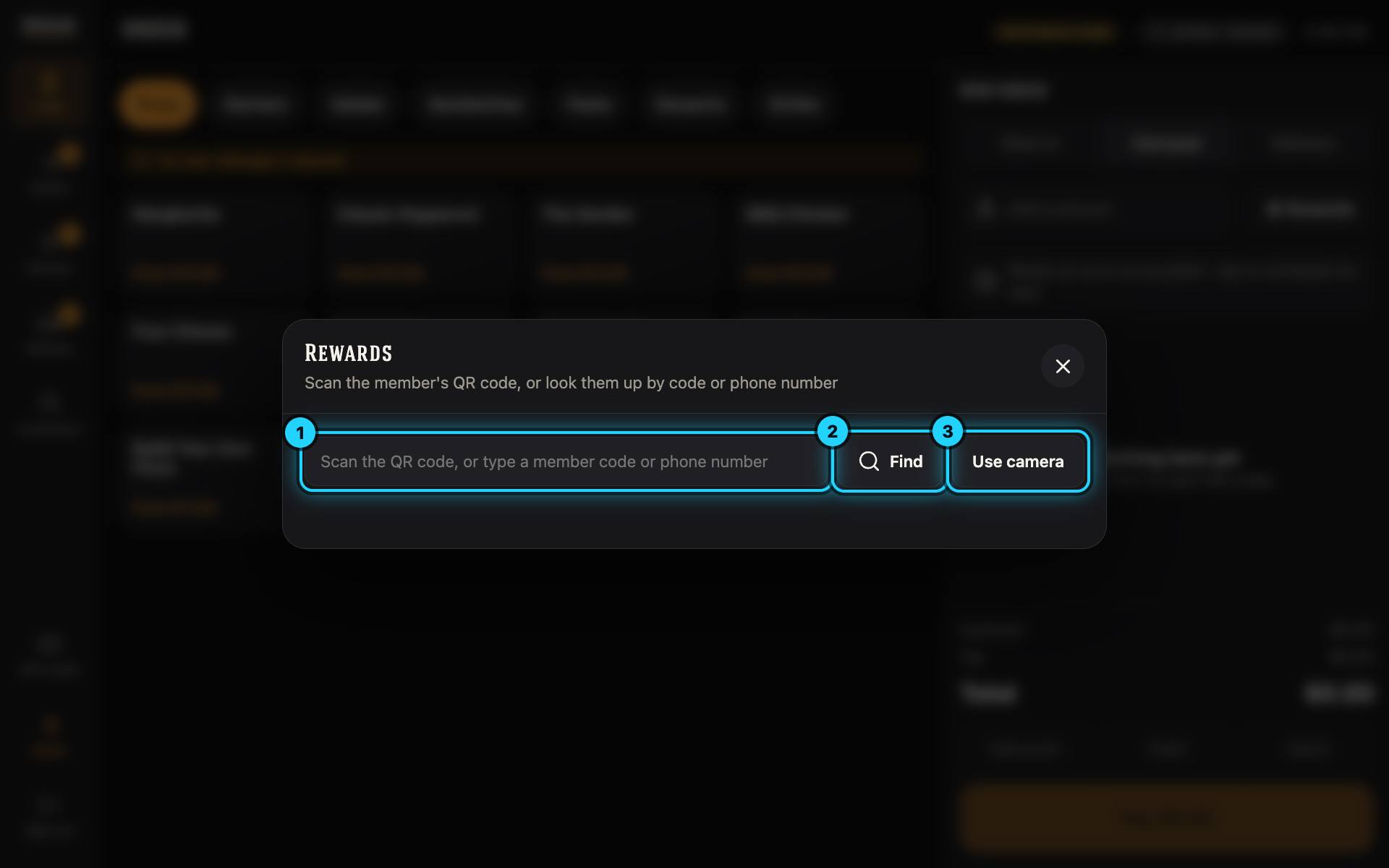
- Scan the member's QR code with a handheld scanner, press Use camera, or type their code or phone number.
- For someone new, press Join rewards.
- Their points and the rewards they can afford are shown. Tap a reward to apply it to this order.
- Take payment as usual.
Good to know
- Points move only when the order is paid in full: the reward's cost comes off, then points are earned on food after discounts.
- A reward is the order's one discount.
- The receipt prints points used, earned and the new balance.