Knowledge base › Taking orders
Attach a customer for carryout, delivery, rewards or a house account.
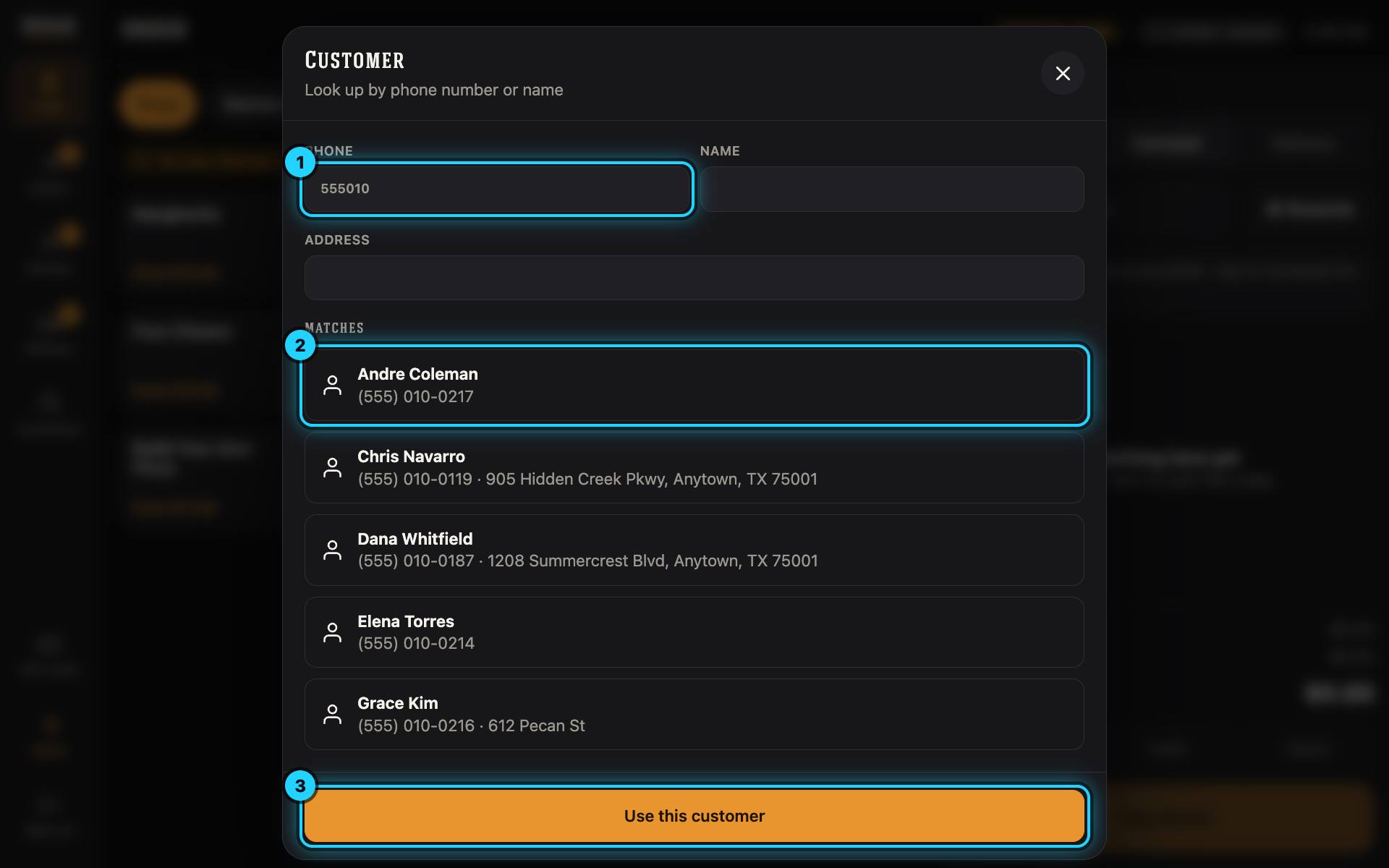
Steps
- On the ticket, tap Add customer.
- Type a phone number or a name. Matches appear as you type.
- Tap a match, or fill in the name, phone and address for someone new.
- Their notes and last order are shown. Press Repeat this order to put the same items on the ticket at today's prices.
- Press Use this customer.
Good to know
- Delivery needs a 10-digit phone number and an address.
- If text messages are on, this window also shows the two text switches for that customer.