Knowledge base › Taking orders
Take an order now for a later time or day.
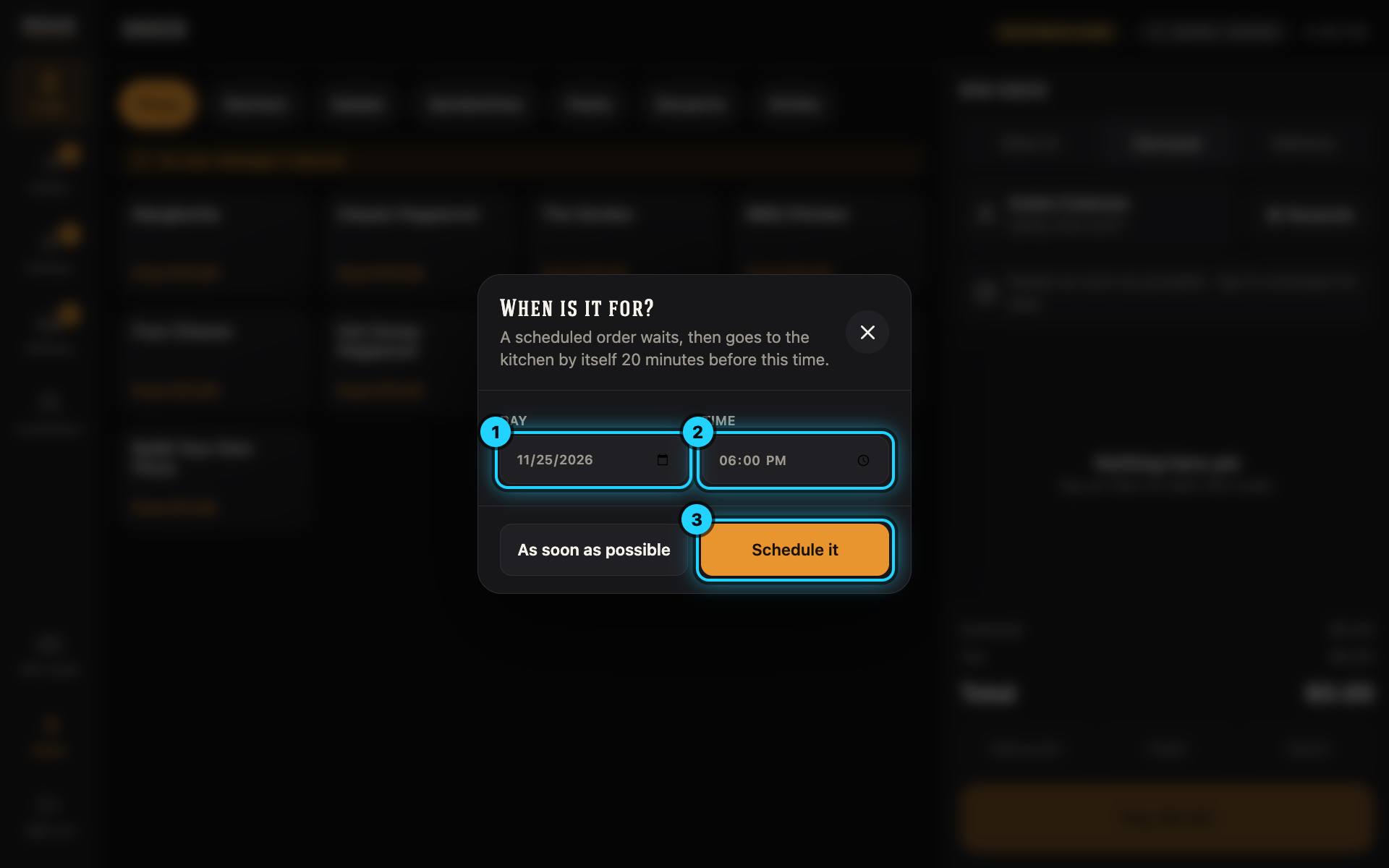
Steps
- Add the customer first. A scheduled order needs a name and phone number.
- On the ticket, tap the line that reads "Ready as soon as possible · tap to schedule for later".
- Pick the day and time and press Schedule it.
- Take payment now if you like. Paying does not send it to the kitchen early.
Good to know
- It goes to the kitchen by itself, ahead of its time by the store's prep minutes (set in Settings).
- Scheduled orders are under Orders > Scheduled.
- It can be from 10 minutes to 90 days ahead.