Knowledge base › Staff and security
Every shift, who worked it and as what.
Steps
- Open Back Office > Time clock.
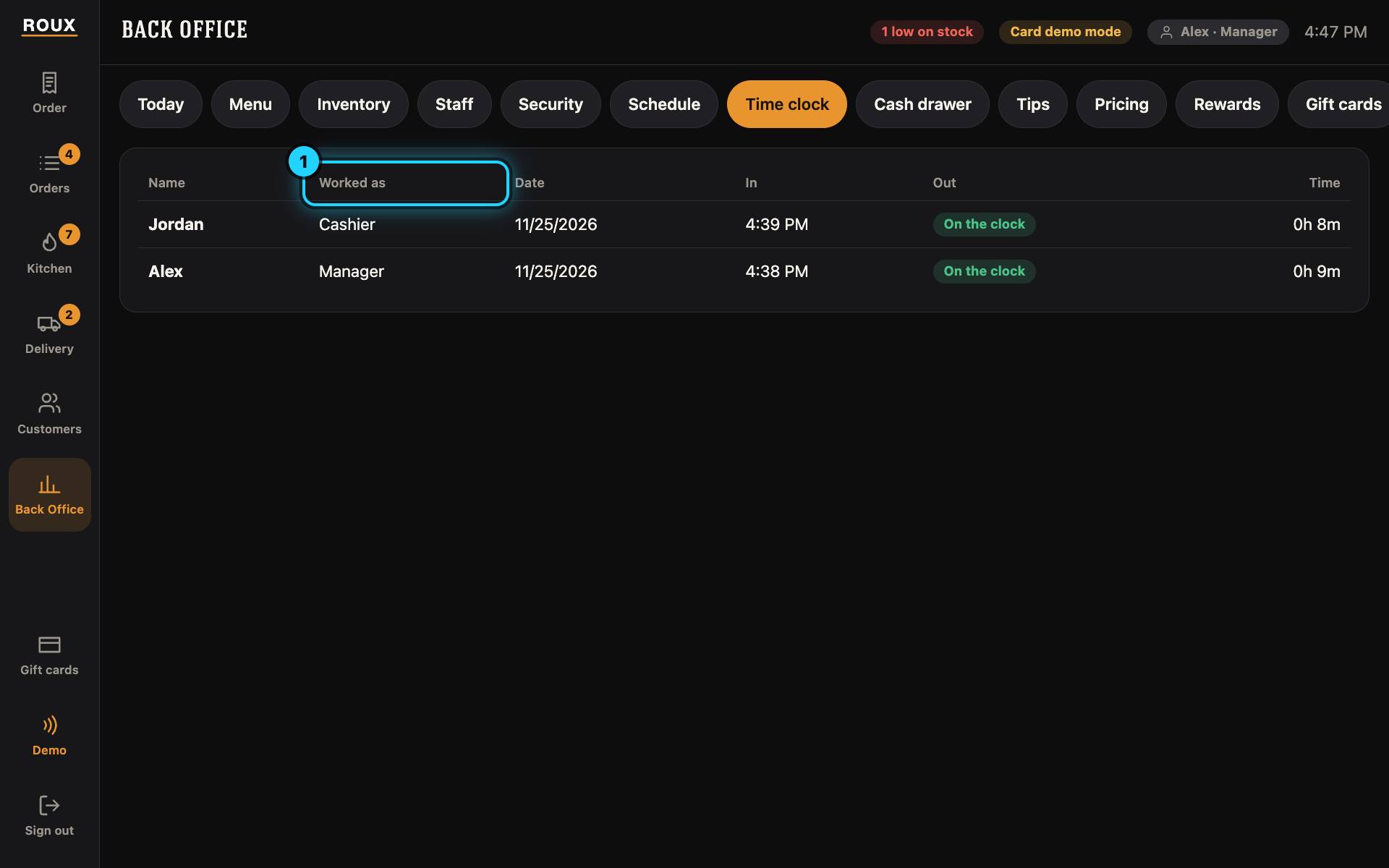
- Each row shows the person, the position they worked as, the date, in and out times, and the length.
- To correct an entry, use Back Office > Schedule > Payroll and press Fix.