Knowledge base › Getting started
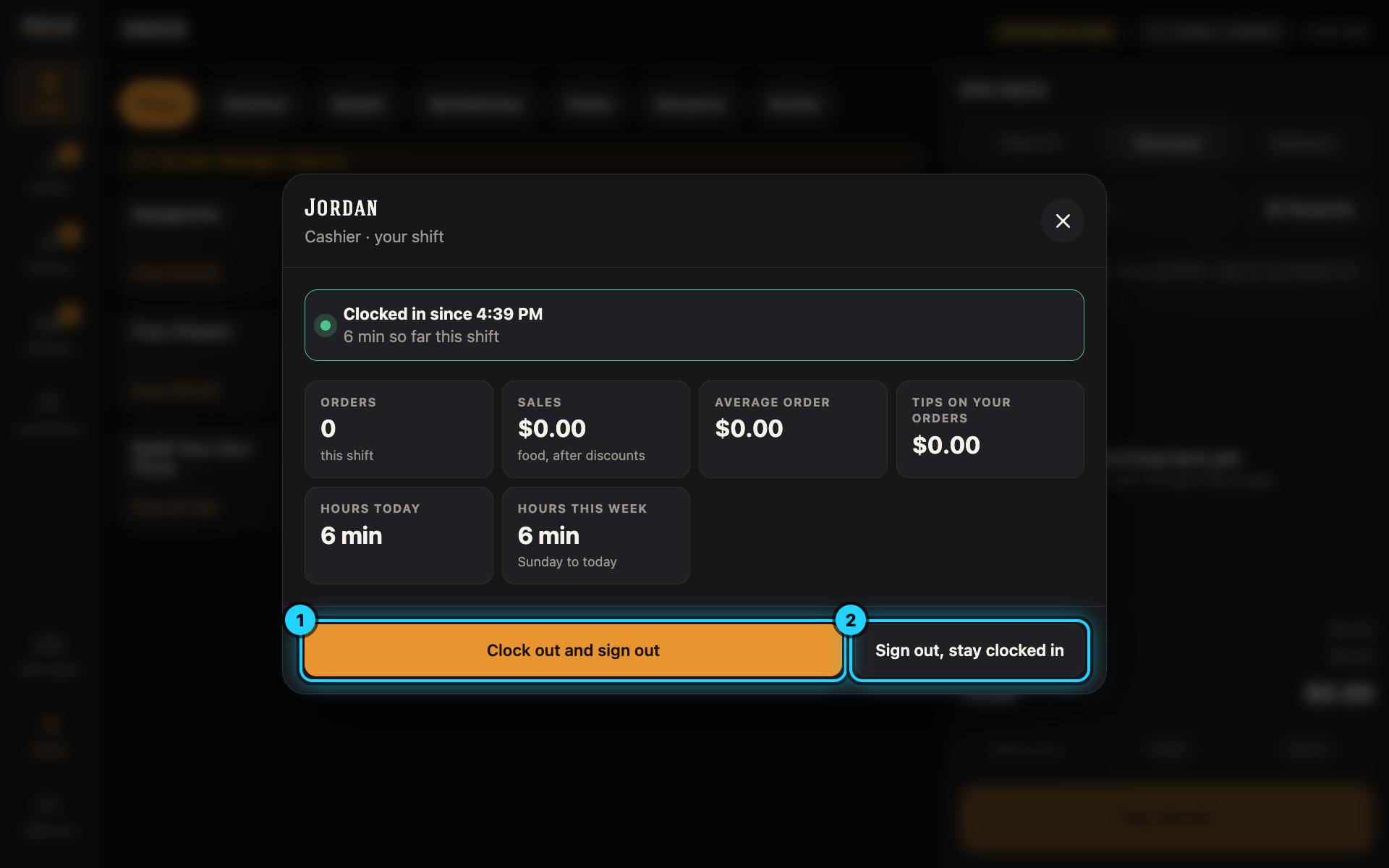
Tap your name in the top right to see your shift.
Steps
- Tap your name in the top bar.
- The page shows when you clocked in, your orders, sales, average order, tips on your orders, deliveries if you drive, and your hours today and this week.
- If your schedule is published, your next shifts are listed.
- Press Clock out and sign out to finish, or Sign out, stay clocked in for a break or a shared register.
Good to know
- It warns you if you still have held orders open.
- A manager fixes a missed clock-out in Back Office > Schedule > Payroll.