Knowledge base › Customers, rewards and texts
Points per dollar, and what the points buy.
Steps
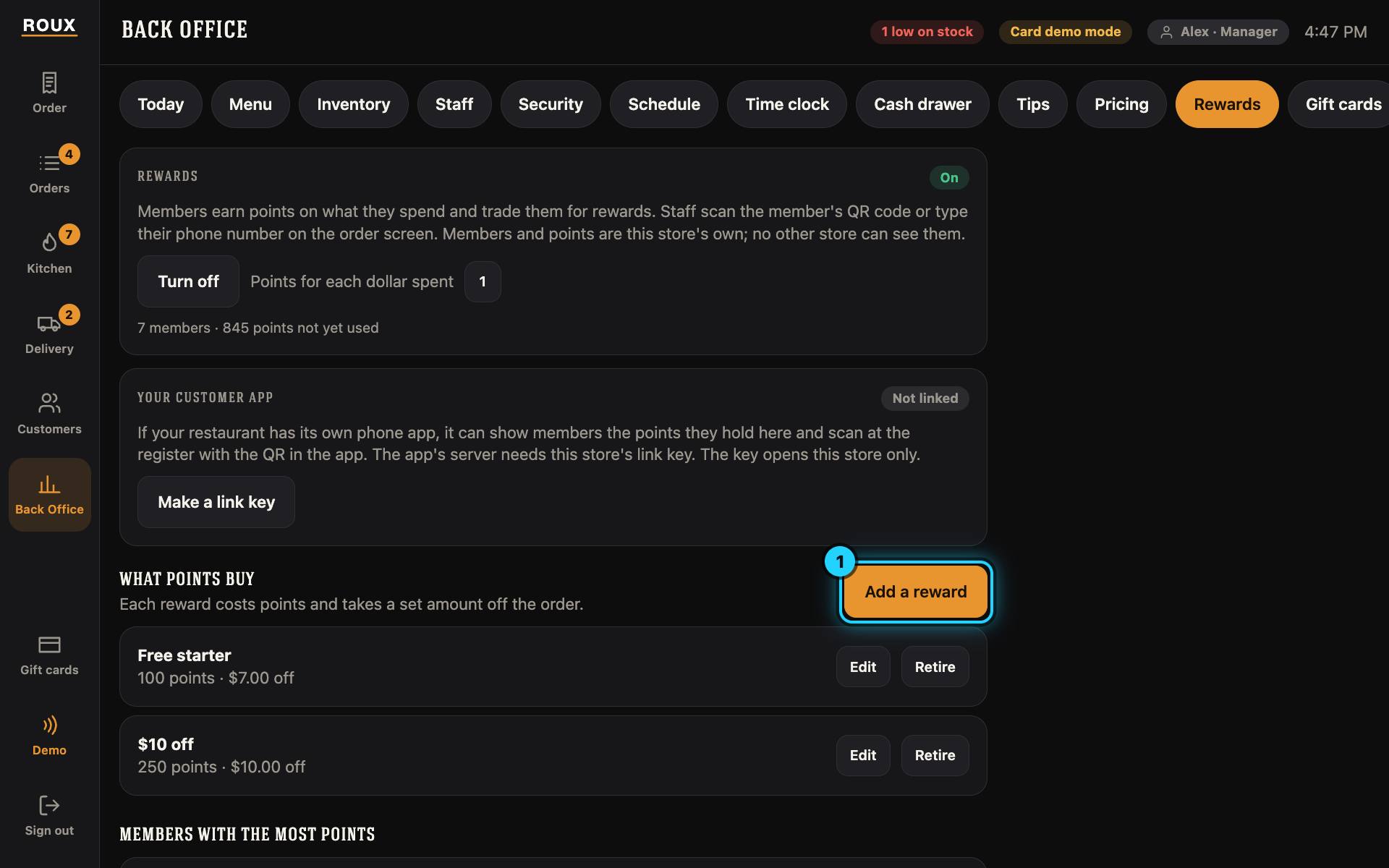
- Open Back Office > Rewards and turn rewards on.
- Set how many points a customer earns per dollar.
- Press Add a reward: a name, what it costs in points, and how much it takes off.
- The list of top members is below. To fix someone's balance, use Add points or Take points away. The change is logged.
Good to know
- A store's own customer app can be linked with a link key made on this page. That is how the Palio's app would use ROUX for Burleson's rewards. The live move of Burleson's members is on hold.
- Not built: punch cards, coupons, and taking points back on a refund.